Saturation
0%
Scroll to turn Syntra up
0 · 100 untouched · 300
Left: untouched. Right: Syntra on. Choose a preset or drag the line.
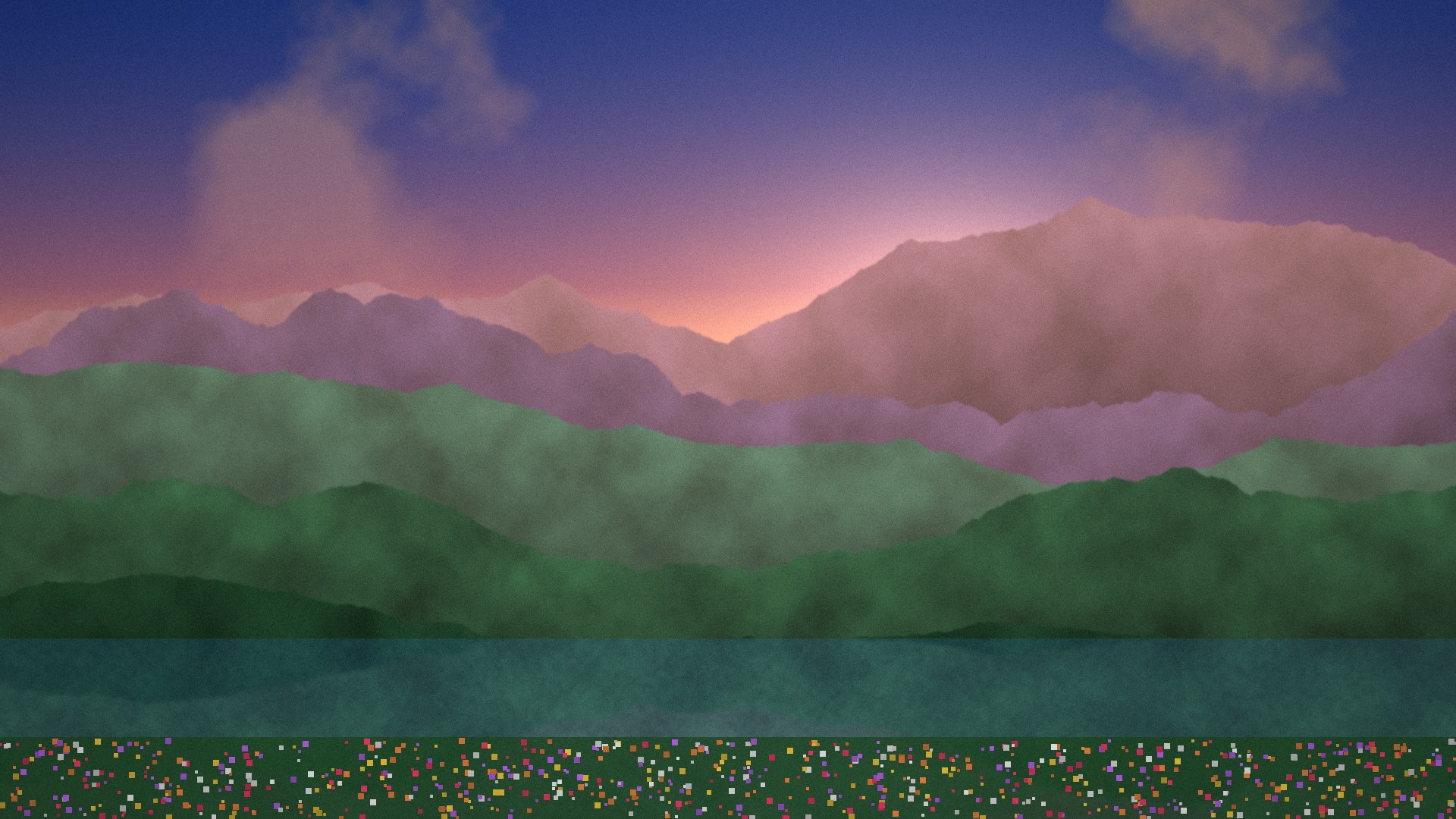 UntouchedSyntra · 221%
Move the sliders. Nothing on your PC changes — this is a working copy.
 Syntra
Pick a preset, then fine-tune it for any game.
Syntra only uses standard Windows display features to rework the picture. Every version is built in public, and you can check your copy is official from inside the app.
Drag a slider on your phone and your PC screen follows instantly — on any Wi-Fi or mobile data.
Download Syntra, accept the terms, make an account. It adds a shortcut and keeps itself up to date.